A novel way
to get your people
to read.
If it wasn’t for your interest in others, maybe the people around you wouldn’t be the same.
If it wasn’t for your care for people, you and the people you care for would be in a different place.
It turns out that a great way to build people up is through reading, and discussing what you read.
It’s been this way for centuries, and we could use a bit more of that right now.
read on
We launched ReadWith, a tool to help leaders like you form small reading groups.
Guests read free. 7-day Organizer trial. No credit card to start
Here's how it looks:
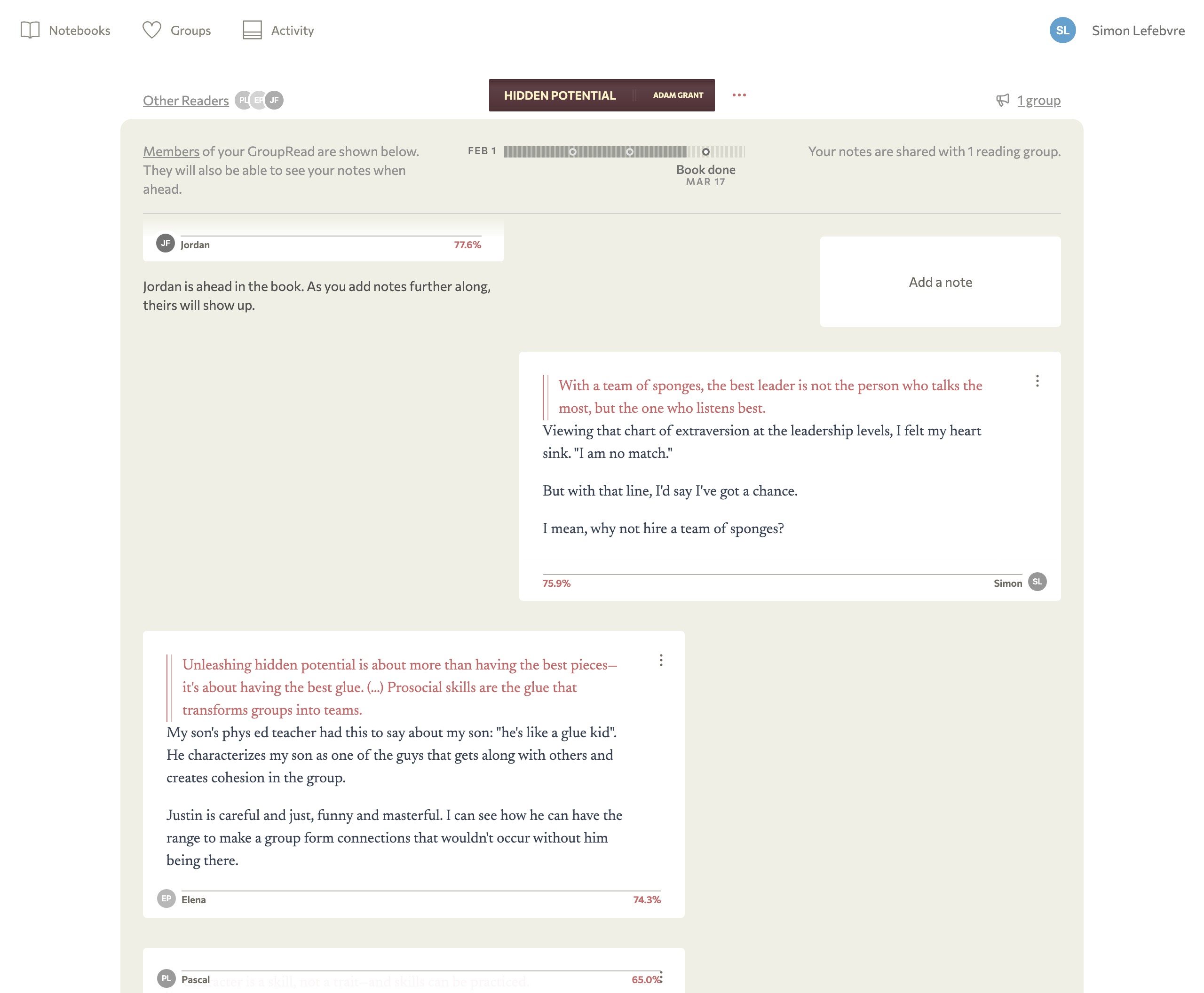
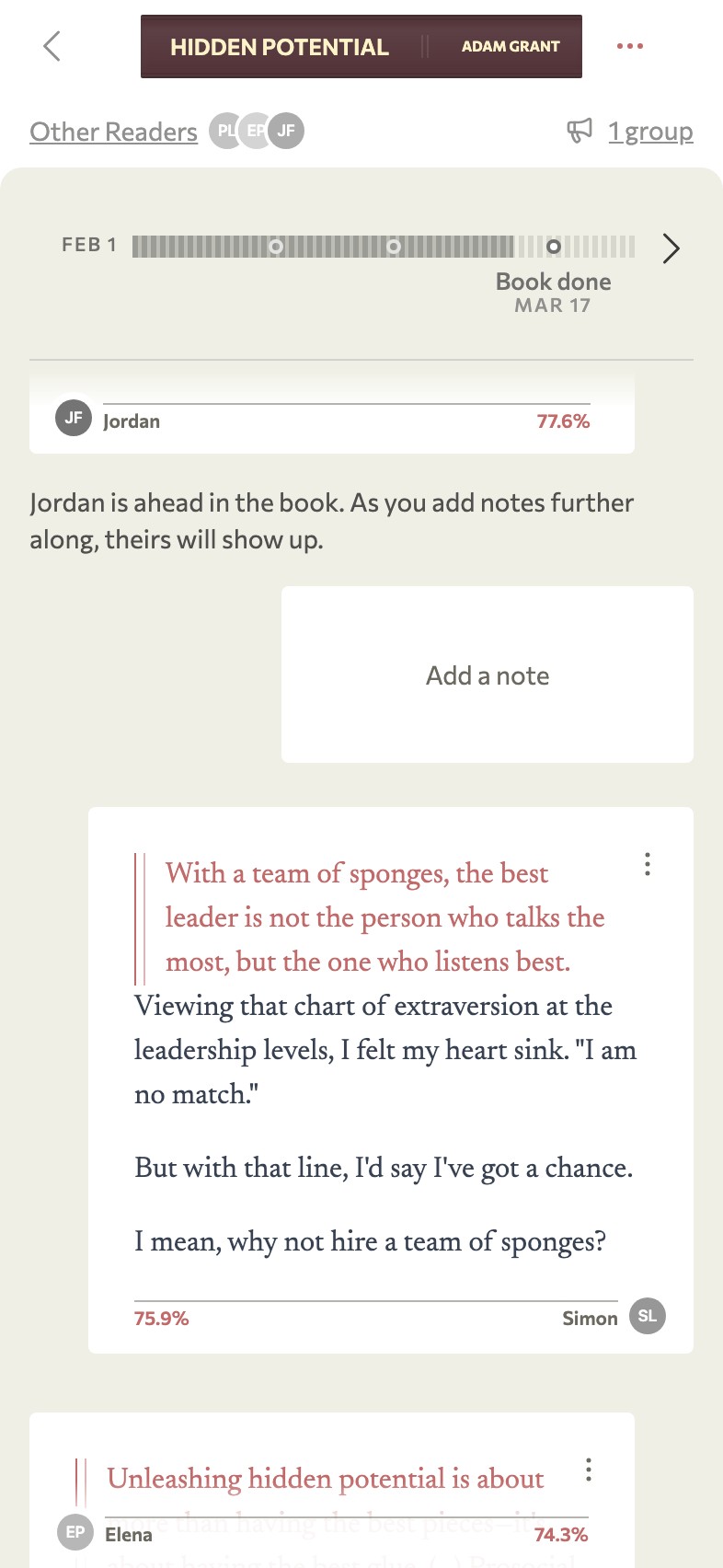
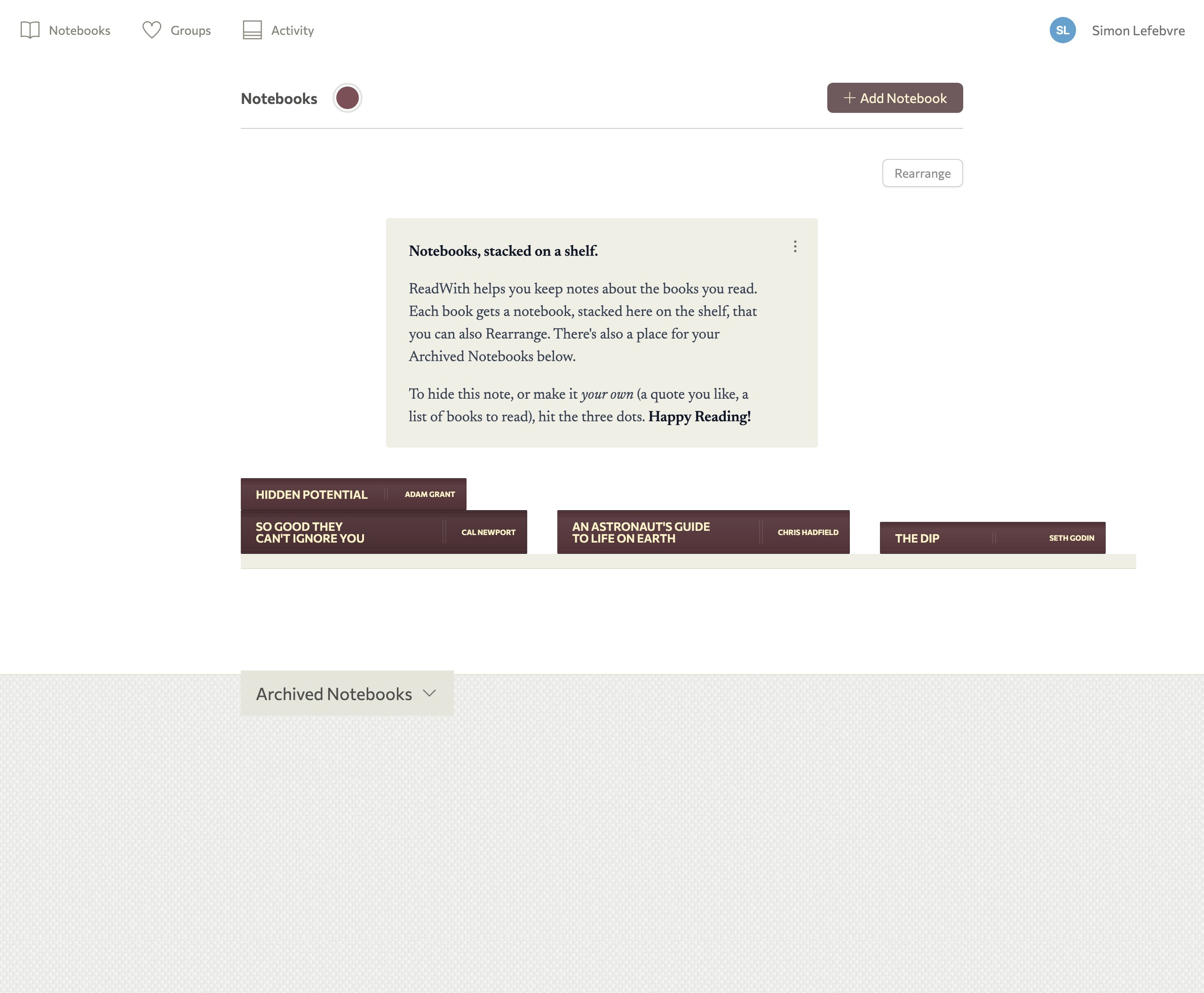
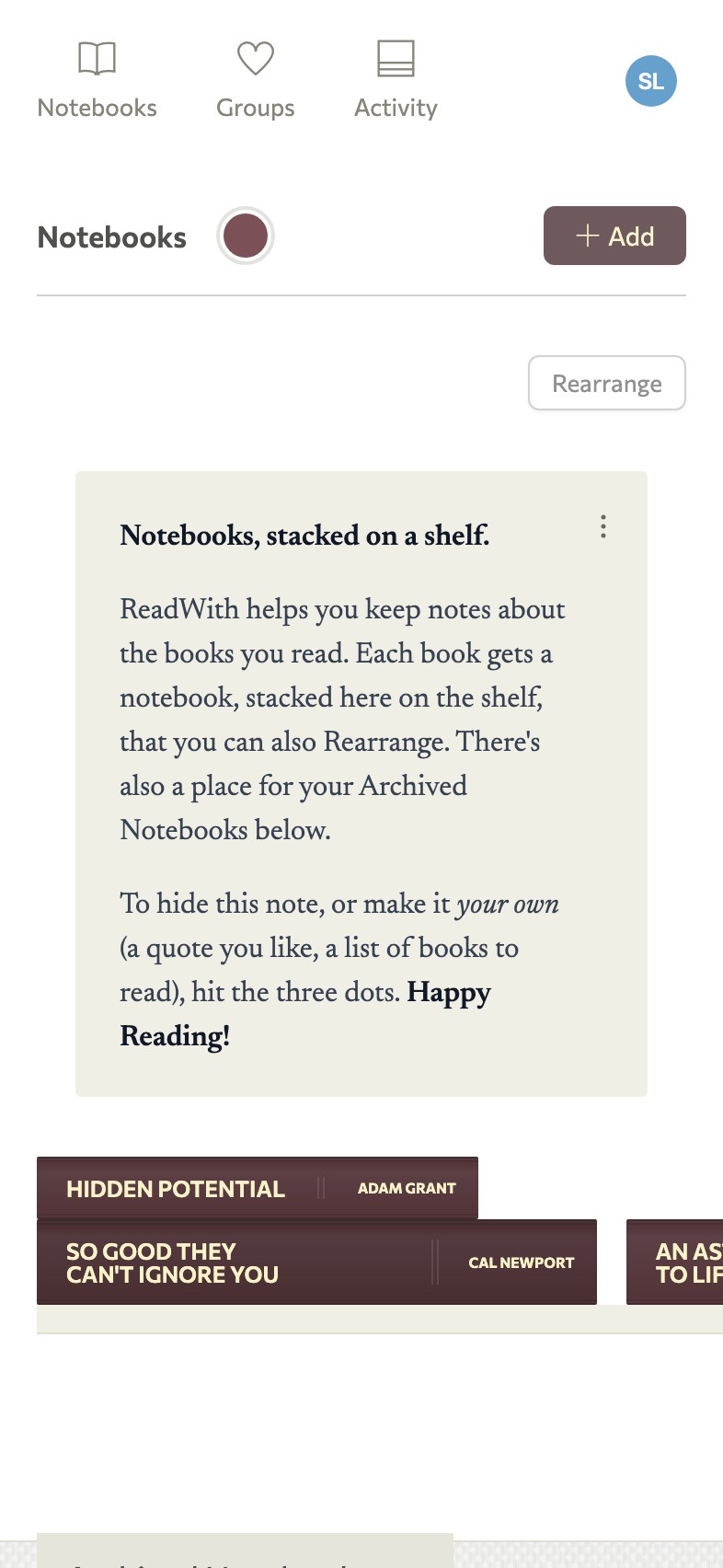
ReadWith gives you...
- A novel way to share reading notes with your group. No spoilers.
- A way to set goals and track progress. For the group, or for yourself.
- A visual shelf to choose which book to read next.
...for the person leading the group, and everyone they invite.
“It’s now time to organize a group”
A tool for...
organizers of small reading groups, coaches, team leads, church volunteers, teachers, community organizers, company owners…
women’s groups, men’s groups, accountability groups, common interest clubs, professional communities, study groups…
thought leaders, meetup organizers, scholars, scholars-to-be…
authors and their fans, fans of an author…
lovers of wisdom, lifelong students…
first-time readers…
re-readers…
…and anyone who’s been meaning to get the group going.
Two people to start.
Groups, from the people you know best.
Learning together.
Reading is better with one other person.

I'm Pascal, and I've built ReadWith, a tool to help lead reading groups, and to share reading notes with others.
It works like this: you take the lead, reading a book, writing down your notes, seeing if the book will be a fit, a good book worth discussing. Then, you start inviting others to read it with you. You set up goals (this chapter by that date), and you keep reading each at your own pace. And you capture your thoughts in ReadWith.
As you add notes in ReadWith, something happens. Your friend's notes appear, but only the notes up to that point in the book. No spoilers.
Have calls or meet up in person to discuss your reactions to the book, and those notes are going to help with the discussion.
All you need is two people. In fact, you could just be reading books alone, and then down the line you could re-read a book with your past self. I still think, however, that it's better to read a book with another person.
I hope you'll subscribe to Bulletins below for updates on ReadWith development and promotions. If you're looking for a short book to read, I wrote Unread Bookshelf: On The Books We Meant to Read—a 20-page booklet in PDF and EPUB to help you get going on the books you've been meaning to read. Your welcome email will include the download links, and you can read it alongside my notes in ReadWith for the book, a sort of backstory on the book. Reading the book with me is also a great way to try ReadWith's group reading experience at the same time. Hope you like it!
— Pascal
1. Can I use ReadWith today? +
Yes. Sign up for your account to start adding books, capturing notes, and reading with others. Or subscribe to ReadWith Bulletins for updates on development and promotions — as a bonus, your welcome email includes download links to Unread Bookshelf, a short booklet on the books we meant to read, plus a link to join a 1:1 reading group with me, the book's author, with backstory notes on the book.
2. What is ReadWith? +
ReadWith is a novel tool for running reading groups, and for keeping and sharing reading notes. You keep your own copy of the book (print, ebook, or audiobook), add notes and your current page as you go, and see your reading partner's notes only when you've reached the same part of the book. No spoilers. Sign up for a free account to get started.
3. How does the "no spoilers" feature work? +
When you record a note, you also mark the page (or listening position) you were on. Your reading partners only see that note once they've passed the same point, and vice versa. You can read ahead freely; notes stay hidden until they catch up.
4. Does ReadWith work with ebooks and audiobooks? +
Yes — any format works. ReadWith doesn't host or sync your ebook or audio files; you record notes manually and mark your current page or progress. Print, ebook, audiobook, library loan... it doesn't matter.
5. Do I upload my book into ReadWith? +
No. ReadWith is for capturing notes, like a companion to your Kindle, Kobo, Audible app or physical book. Open ReadWith when you have something to share, tap the book, add your note and progress, and your thread reveals more of your partner's notes as you catch up.
6. Can I import my notes from the Kindle app? +
Not today. Notes are added in ReadWith directly. The experience is built for longer, thoughtful reactions: stories a passage reminded you of, connections you recall from the other books you've read, disagreements with the author, etc.
7. How do I add notes while I'm reading? +
As you read or listen, open ReadWith in your browser when you have an insight or reaction worth sharing. Add your note and where you are in the book; it joins the thread, and you'll see your partner's notes for the same spot (or earlier) from that point forward. Sign up to add your first book and note.
8. Is there an iOS or Android app? +
Not yet. ReadWith runs in the browser for now. On iPhone or Android you can add the ReadWith URL to your home screen for quicker access; native apps aren't available yet.
9. Can I read with more than one person? +
Yes, you can read alone, with one other person, or with groups of people you invite. Sign up to start a reading and invite others.
10. What does pricing look like? +
Free accounts are on the Guest plan — add books to your shelves, and organize them as a sort of reading list. Adding notes about your books gets unlocked when you're invited into a reading by a Regular or Organizer, or when you upgrade. There are two paid tiers: as a Regular, you can add notes on as many books as you want and invite one guest per book. As an Organizer, you can run reading groups of up to 15 people. Support for larger groups is also planned. Please be in touch if you have a specific need by writing to frontdesk@readwith.app. See current pricing for details, or sign up free to get started on the Guest plan.
11. Is there in-app chat? +
Not yet. To discuss a specific note, use Copy URL of Note on that note and continue the conversation in the messaging app you already use (text, email, Signal, etc.).
12. Can I re-read a book with my older notes? +
Yes! This is one of the great ways to use ReadWith, because great books are worth re-reading. In this case, your past self will be your reading partner, and your notes from your past self appear as you add your own notes. It really is one of the surprising joys of reading with ReadWith. Sign up to start keeping notes on your next read.
Try ReadWith
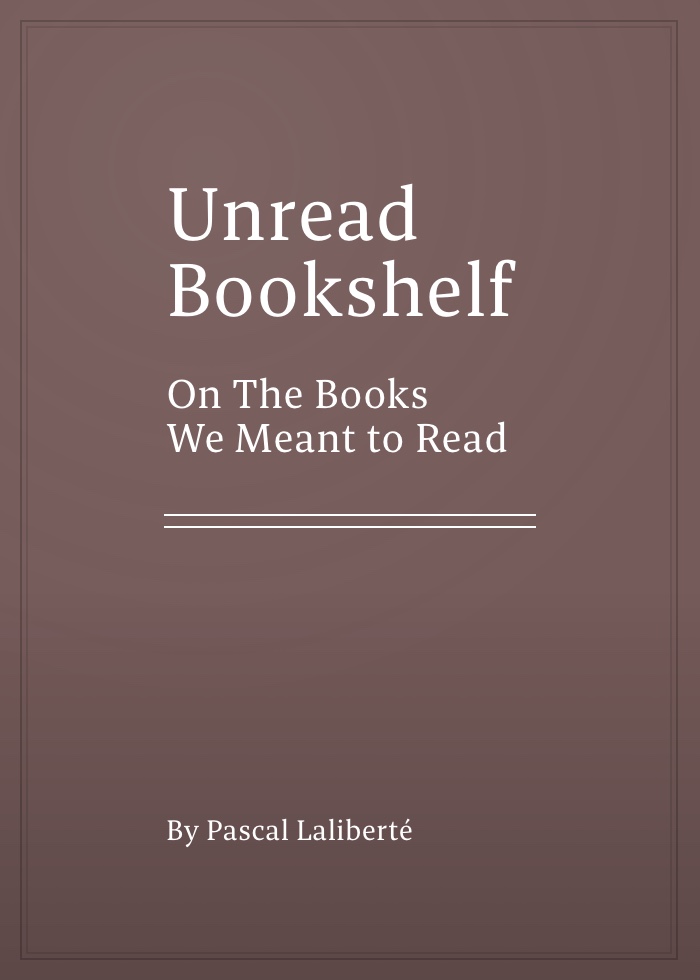
Not ready to lead a group? Get the book, and my reading notes, free.
On The Books We Meant to Read
Subscribe to ReadWith Bulletins. Your welcome email includes PDF and EPUB download links for this 20-page booklet, plus a link to read alongside the author's notes in ReadWith. It is a low-commitment way to try the core experience.